Change your timezone
Keep your account's timezone in step with your camera's clock.
It’s important that your timezone lines up with the time you have set on your camera. If you travel, we recommend maintaining a consistent timezone in your account and always using that timezone’s time when configuring the date/time on your camera.
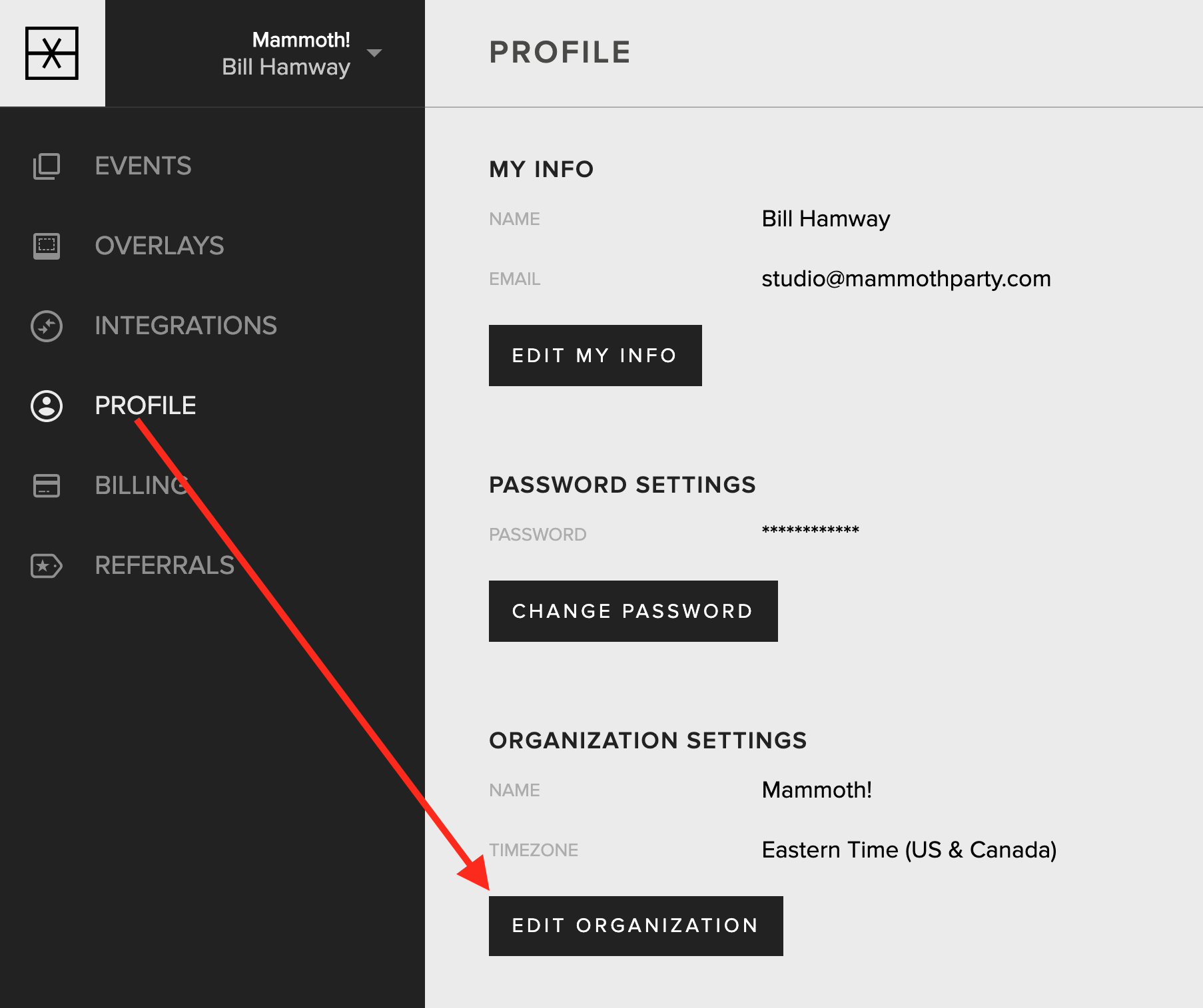
To change your account’s timezone, go to the Profile tab in your account. Find the “Organization Settings” section and tap the “Edit Organization” button.
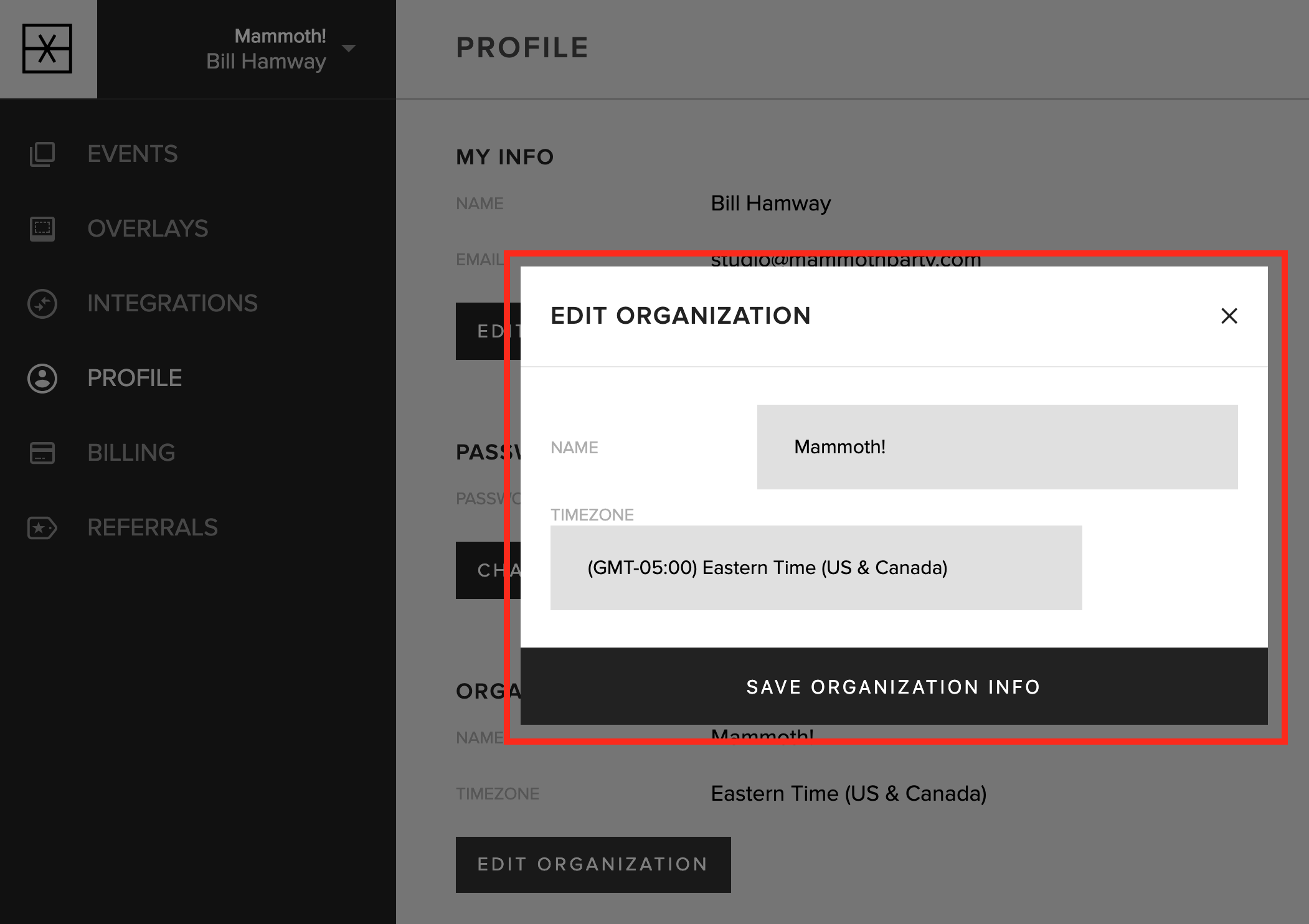
Select your timezone and tap the “Save Organization Info” button.
Updated October 27, 2025