Change your organization name
Set the name guests see on your events and shared photos.
Your organization name is the name that is shown as the owner of your events and is visible to anyone browsing your galleries on the web or on their own devices. When someone shares one or more photos via email, the “From” name of that email will be the name you set here.
If you’re a solo photographer, it may make sense for this to be your full name so people can find your events. If you are a company, you’ll want to use your company’s name here.
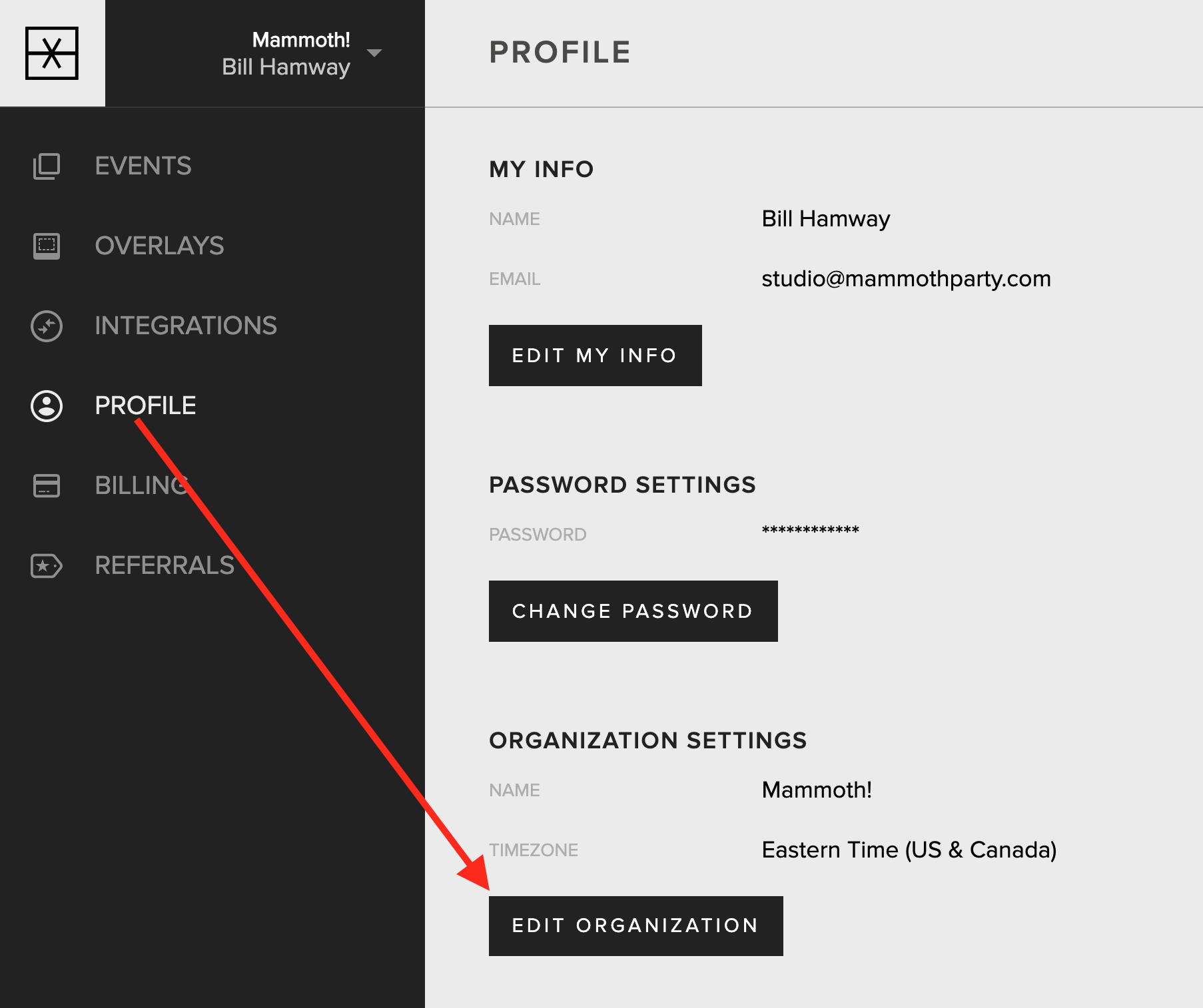
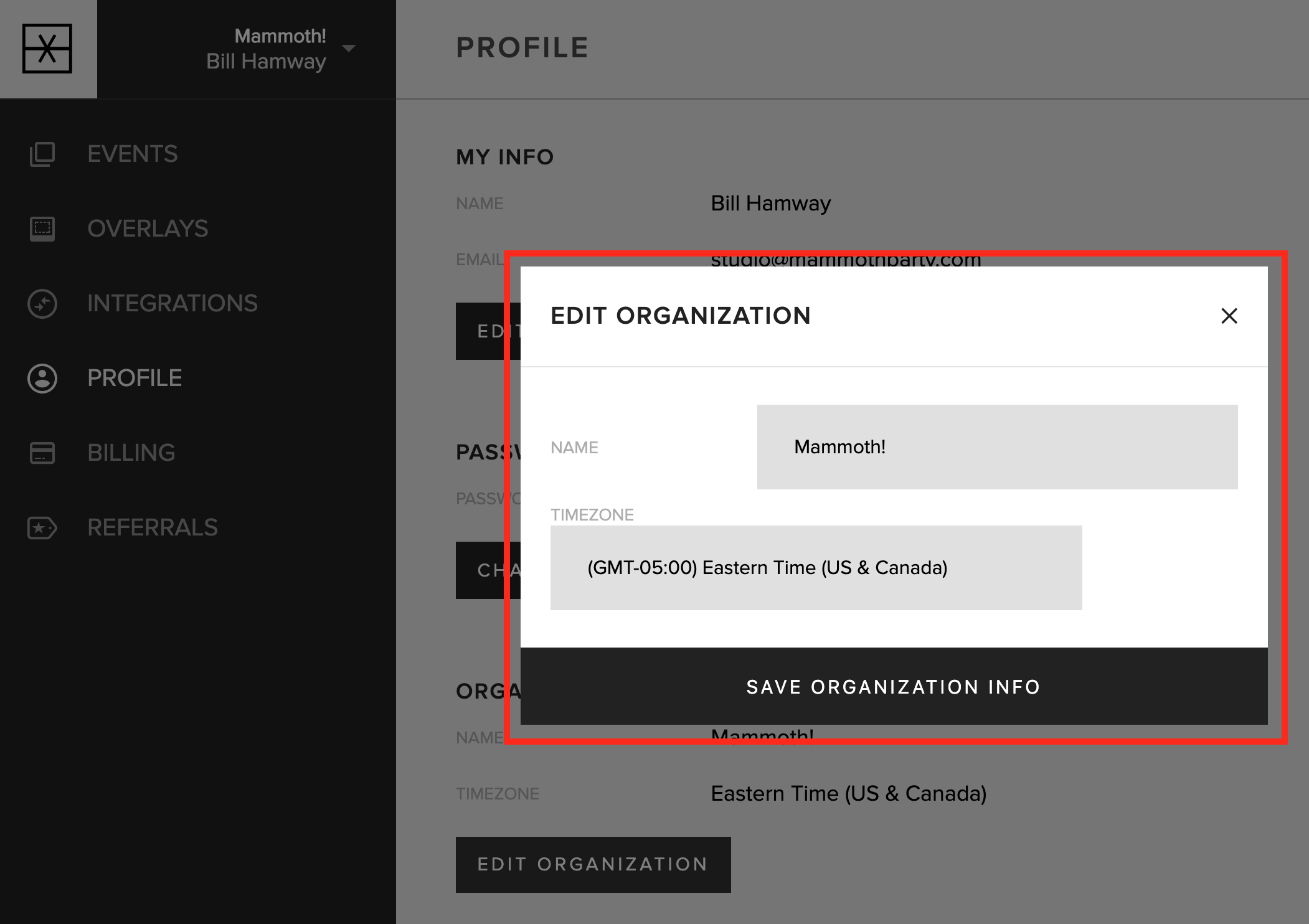
To change your organization name, go to the Profile tab in your account. Find the “Organization Settings” section and tap the “Edit Organization” button. Enter your organization’s name and tap the “Save Organization Info” button.
Updated October 27, 2025