Flassh for Windows
Turn your laptop or desktop into a fun party photo booth.
What do I need?
- Touch-screen tablet, laptop, all-in-one desktop running a full version of Windows 10. Windows RT-based tablets are not supported.
- 2GB RAM
- Flassh Connect
- Flassh Booth
Flassh Connect
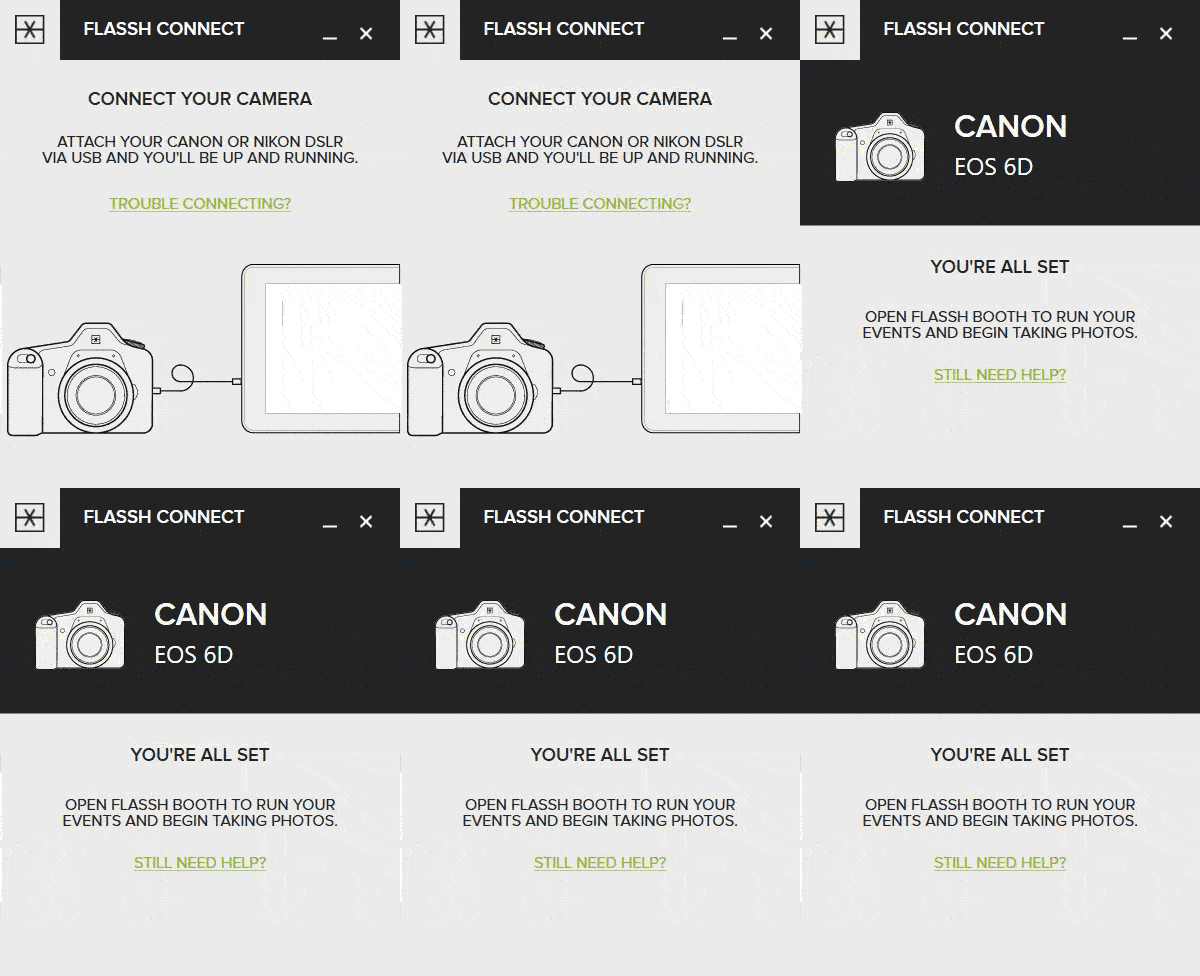
Flassh Connect is bridge software between your Canon or Nikon DSLR camera and the Flassh Booth software. It handles all interactions with your camera.
Flassh Booth
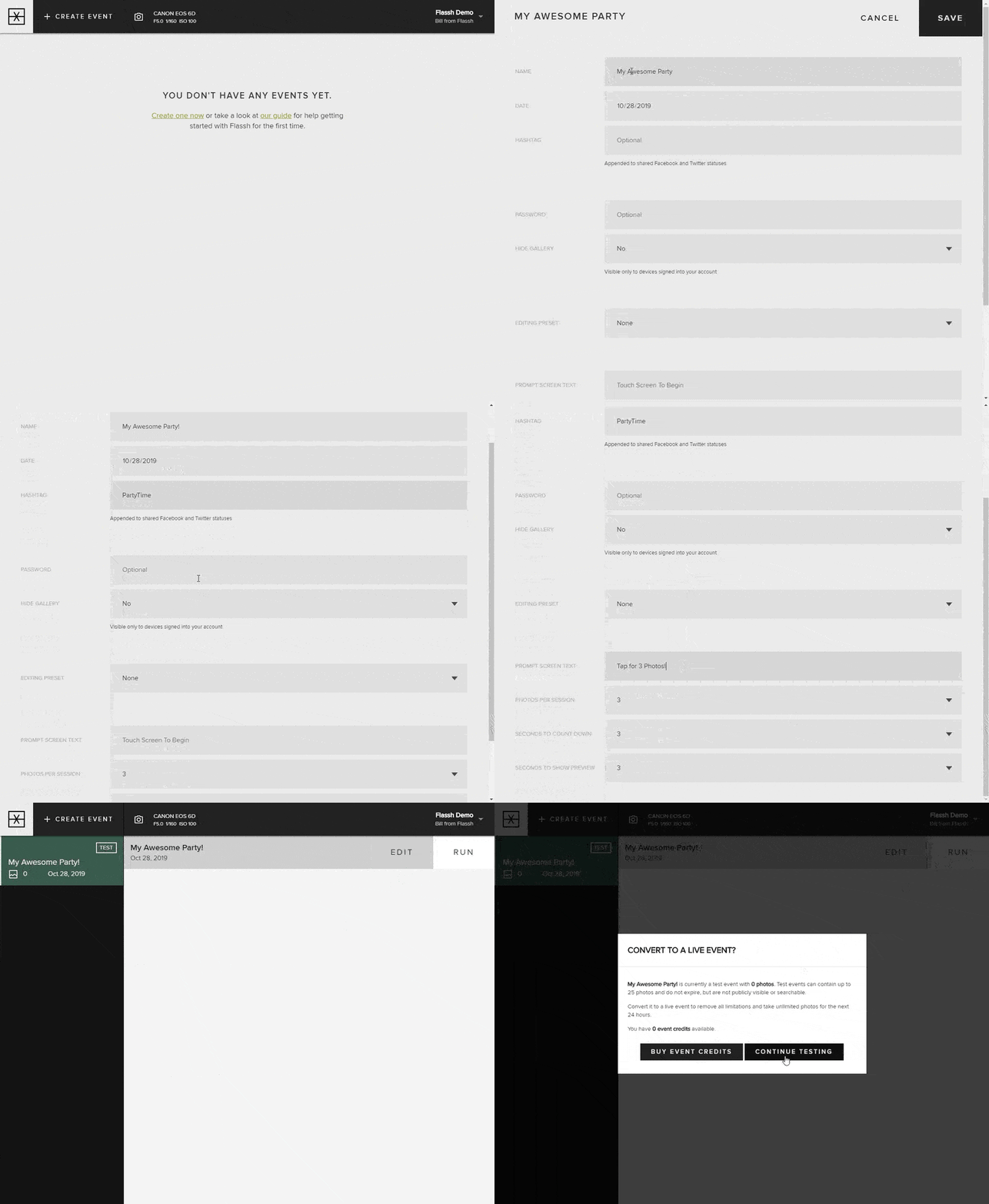
Flassh Booth is the Windows-based application where your photo booth runs. It is the interface that guests interact with when taking photos at your event.
Signing in
In order to use Flassh Booth, you must sign into your account.
If you don’t already have an account create one here.
- When you open Flassh Booth for the first time, a login form will pop up.
- Enter your email address and password to login.
Forgot your password? Reset it here.
Updated February 19, 2022